Editor’s note: This article was first published in January 2012. The procedures it describes for Hotmail, Yahoo, Google, Twitter and Facebook have all changed since then. Google added its Inactive Account Manager in 2013, Facebook now lets users name a legacy contact, Hotmail is now Outlook.com and Twitter is now X.
We will all die one day; it’s one of the few things we can be completely sure of. When that happens we’ll leave a digital footprint behind, in email accounts and on social networks alike. That’s why it’s a good idea to have a “will 2.0” ready, so that we can decide what will happen to our social media profiles, and to all the content we keep on different internet services, once we’re gone.
Not all digital property is the same. The content we store online during our lifetime is governed by the rules of the different companies that host it, so we have different options for deciding what to do with our digital memory when we’re no longer here.
Hotmail and Yahoo are easy to close, because we won’t need to do anything: once they detect that the account is inactive, they will go ahead and close it.
Google is different, and closing an account there isn’t so simple. You’ll need a sworn translation into English and all of the deceased person’s documentation, and you’ll have to send the death certificate. You’ll find all the information you need at mail.google.com/support/bin/answer.py?answer=14300. That covers profiles, blogs, Gmail… in other words, the Google account. However, if we don’t want Google to keep certain content about a deceased person indexed, things get more complicated. If that person didn’t request it while alive, nobody will be able to remove the indexed content unless the deceased left their wish to disappear from the internet after death in writing. This kind of “will 2.0” can be arranged through Mémora.es (a Spanish funeral services company).
Twitter also involves a long bureaucratic process. First, the person’s death has to be reported to Twitter by writing to [email protected] and attaching the death certificate. Only then can Twitter deactivate the account, and relatives are offered the chance to receive all the tweets that person posted during their life as a keepsake. What Twitter will never do is give the account password to a relative, however close.
Facebook offers the option of a memorial profile, where the user’s profile stays up and only their circle of friends can see it. It also offers to delete the account entirely, although, like Twitter, it will never give the login password to a relative. To close the Facebook account of a relative who has died, you have to fill in the online form you’ll find in Facebook’s Help Center.
If at any point things get complicated, or they make it very hard to remove everything related to someone who has died, you can always turn to a service such as salirdeinternet.com, which will take care of the necessary steps so that the person can be forgotten again.
If your aim is the opposite, and you want the internet to remember the person who has died and even include them in an “online cemetery”, there’s pervive.com, a social network for the deceased where we can add the person, their messages, their tweets and so on, so that they will always be remembered.
That said, and being realistic, most of us keep private documents, photos, conversations and the like that we wouldn’t want our own family to see. In other cases, people who handle important and sensitive documents in their lifetime may keep them on a cloud service, with the risk that those documents could one day fall into the wrong hands. So for some people, knowing what will happen to their virtual identity and property is something they need to sort out while they’re still alive.
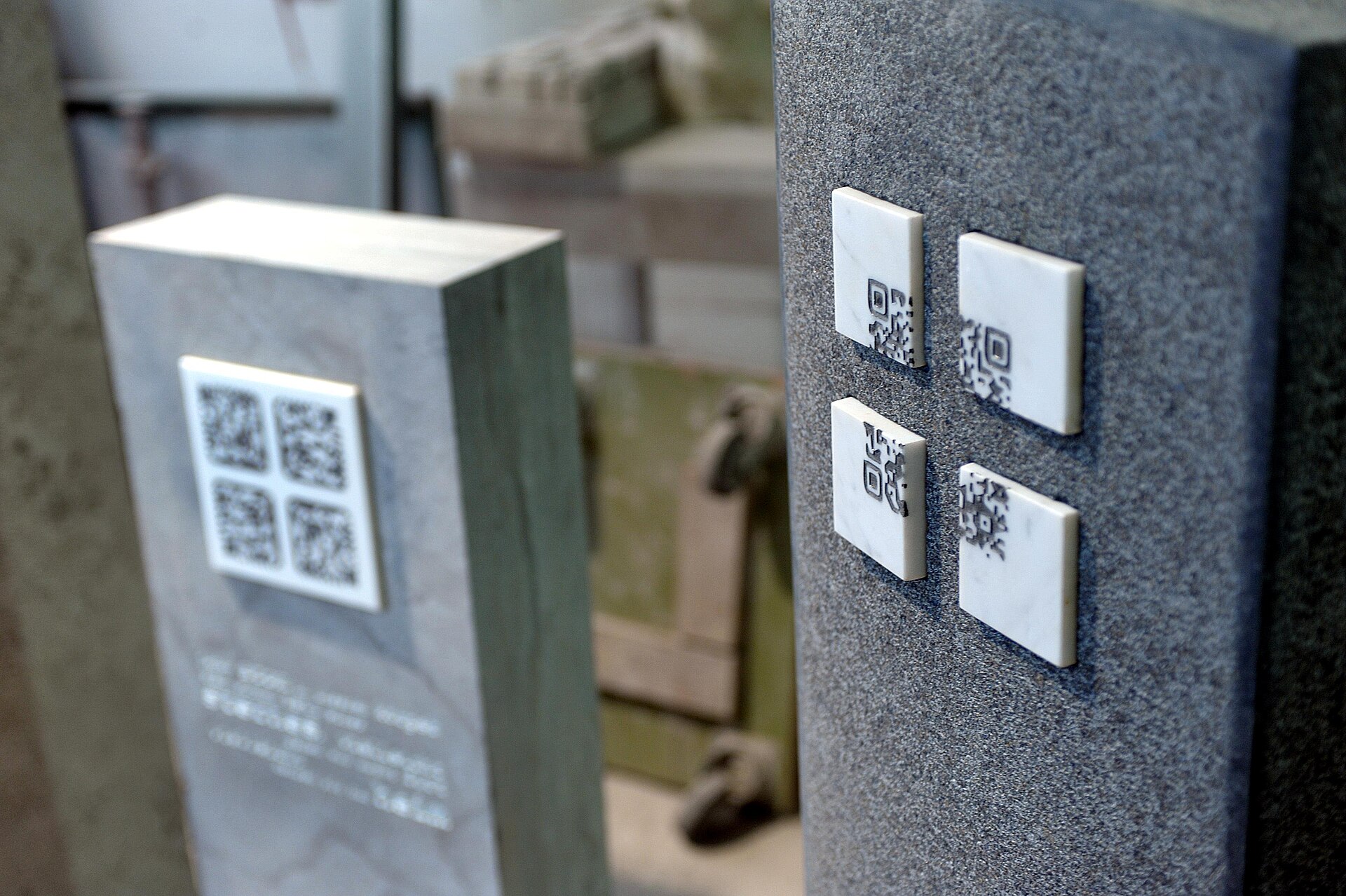
Featured image: Wikileander, CC BY-SA 3.0, via Wikimedia Commons.