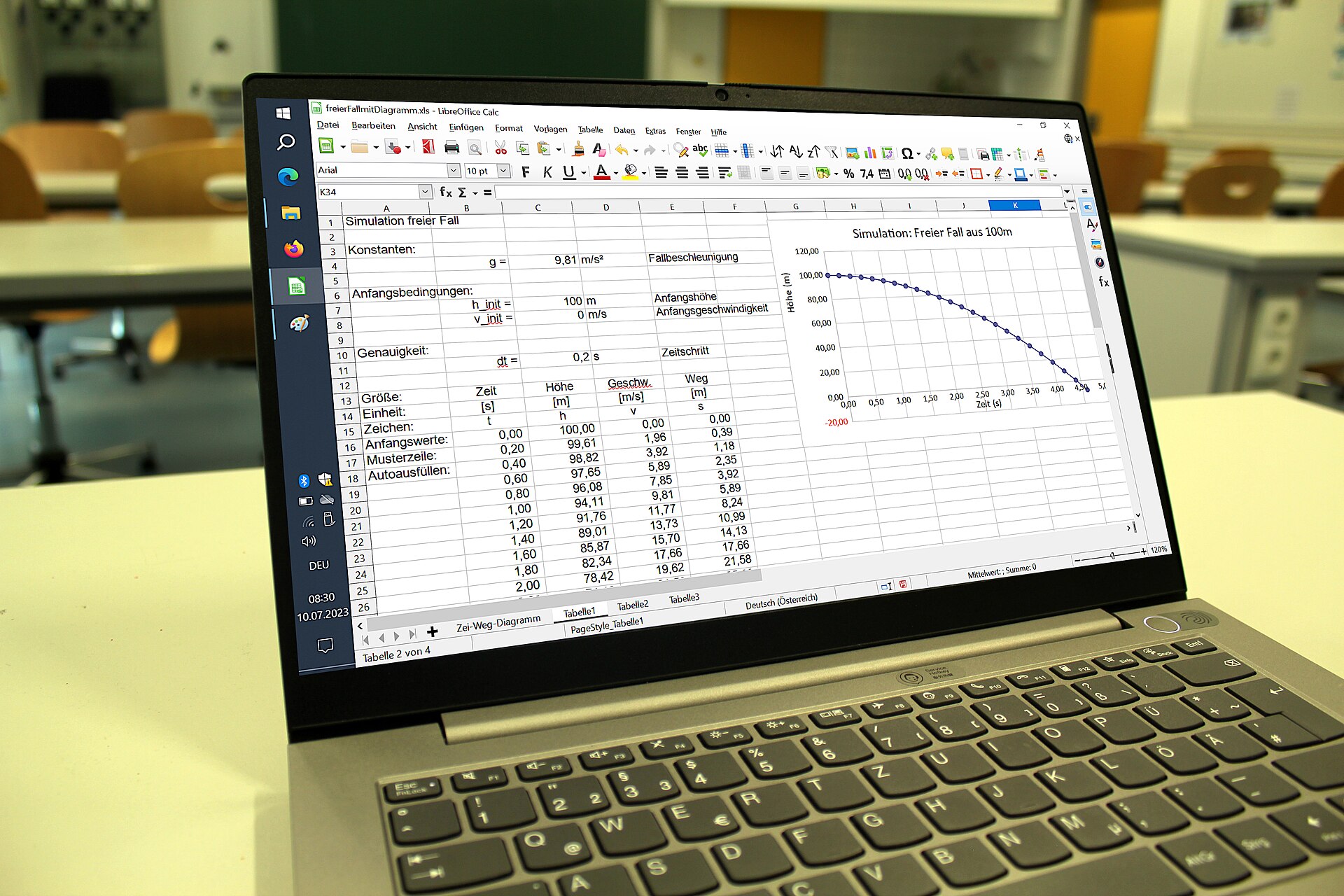
With this Excel template or table we want to achieve several things. The first is to find out where our money ends up: our expenses, our income and the money we have left over to invest, as well as how long it will take us to reach our financial goal if we don’t change anything in our finances.
I’ve put the template in my Google Drive, and anyone can download the template from this link for free, but let me explain how to do it and how to use it so that it’s useful to you.
How to edit and download this financial template
To be able to edit it, select File – Make a copy and save it in your own Google Docs folder or on your computer.
You can also select File – Download as… and save it on your computer.
What is this financial education template for, how do you use it, and what does each column, cell and percentage mean?
- The columns on the left are made up of unavoidable expenses, such as your mortgage (if you’re already paying one), electricity, water, school fees and so on.
Then come expenses that are important but not essential, such as the car, internet, phone, insurance and so on. Although in some cases they can’t be avoided, we can bring down the amount we pay for them.
And thirdly we have plain expenses: coffee, weekend drinks, holiday trips and hotels, the cinema and so on.
- In the column on the right, at the top, we have total expenses (avoidable and unavoidable), along with some figures in grey, which are our total monthly expenses annualised. We can also see the percentage we spend on each expense.
And lastly we have the monthly income we receive and the net amount we have left to invest. There is also the annualised return we expect to get from our investments. I’ve entered 8%. Some people may think that’s a lot, in which case just enter 6% or 4%.
Finally, we have our goal and the number of years it would take us to reach that financial goal, although you shouldn’t focus too much on this part.
What should we focus on with this Excel template?
The secret of personal finance is that when we subtract our expenses from our income, the amount left over should be as large as possible. In other words, find a way, but try to make the amount available to invest each month as high as possible.
There are two ways to do it: cutting expenses or increasing income. The most effective, without a doubt, is increasing income.
The spreadsheet calculates the annualised expense, so you only need to enter your monthly expenses. For expenses you pay once a year, divide them by 12 months and enter that amount (ideal for insurance).
Note: between the cells “Expected annual return” and “available to invest” sits the ROE formula, which would be the return on net worth, something that is sometimes calculated at 3%, but I’ve decided not to include it to avoid being too optimistic about our finances. Even so, if anyone wants to include it, they only need to edit it and enter a 3 or a 2 in the blank cell.
The most interesting thing you’ll notice as you play with the table is how your financial situation changes if you cut out some monthly expense or increase your income a little.
Read: 34 money lessons that young people and adults should learn
Featured image: MikeRun, CC BY-SA 4.0, via Wikimedia Commons.